AgentSleuth
A forensic analysis tool for AI agent artifacts, including session logs, conversation histories, tool executions, reasoning traces, and metadata from AI agents such as Codex and Claude.
ON THIS PAGE / 5 SECTIONS
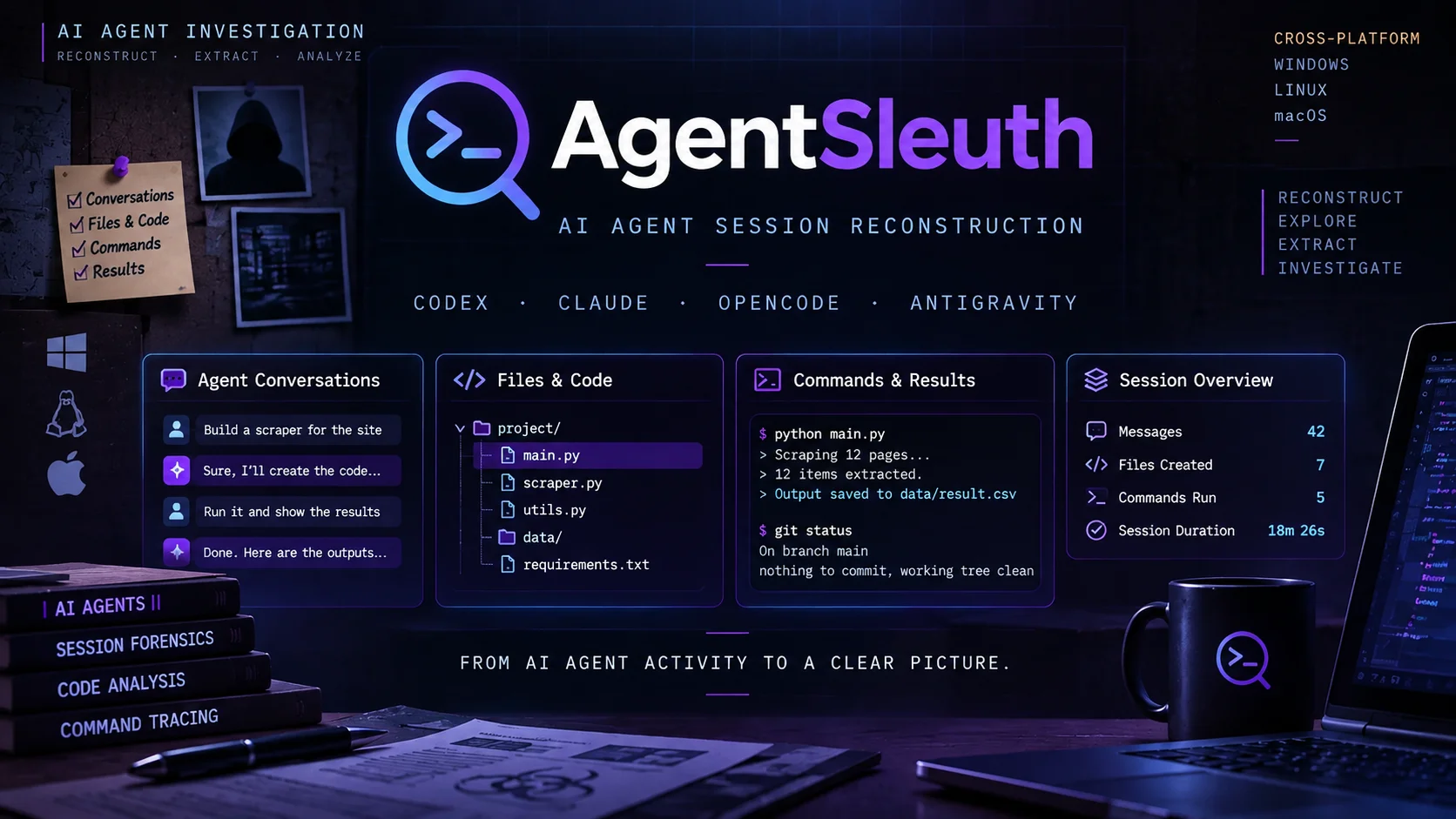
AgentSleuth is a tool for investigating recorded sessions from Codex, OpenCode, Claude Code, and Antigravity. It lets you search prompts, replies, and tool activity, and recover files preserved in the session data.
Install and run
Standalone Windows build
Download AgentSleuth.exe from GitHub Releases and double-click it to launch. Python and Qt are bundled.
Run from source
You need Git, Python 3.10 or newer, and GitHub credentials with access to the repository.
git clone https://github.com/omaralaaaa/AgentSleuth.git
cd AgentSleuth
Windows (PowerShell)
python -m venv .venv
.\.venv\Scripts\python.exe -m pip install .
.\.venv\Scripts\python.exe main.py
Linux and macOS
python3 -m venv .venv
.venv/bin/python -m pip install .
.venv/bin/python main.py
Installation includes Qt through PySide6 Essentials. Check the wheel requirements if pip reports that no compatible version is available. PySide6 Essentials downloads
Open and review a session
- Click Scan for artifacts… and choose Scan this PC for known local evidence locations or Scan evidence folder… for a copied collection, such as KAPE output. Mount or extract a raw disk image first. Select an agent folder and click Open selected.
- To open a source manually, choose the agent tab and click Browse, or paste the source path and press Enter.
- Select a session in the Conversation Index. Click the response count beneath a prompt to expand or collapse replies. Press Ctrl+F to search the transcript, and use the turn and activity filters to narrow the results.
| Agent | Source to open | Companion files to keep |
|---|---|---|
| Codex | state_*.sqlite | The referenced rollout JSONL files under sessions/ or archived_sessions/. |
| OpenCode | opencode.db | — |
| Claude Code | history.jsonl | The sibling projects/ folder and file-history/ for available backups. |
| Antigravity | conversation_summaries.db, a generated transcript.jsonl, or a trajectory .db. You can also paste the agent folder path. | The brain/ and conversations/ folders, including session uploads and scratch files. Generated transcripts show the conversation. Trajectory databases provide step metadata. |
Use a consistent snapshot for any SQLite source. Recent records may still be in the database’s -wal file.
Export recovered files
When a session has recoverable files, Open export folder opens the saved copies and Uploads by prompt shows which prompt each recorded upload belongs to. Antigravity scratch files are saved separately from uploads.
The default export folder is AgentSleuth_Export/ beside main.py when launched from source. Click Change folder to save a different location.
Keep the investigation open.
Have another interpretation, a correction, or a useful trace? Reach out on Discord.
Continue on Discord