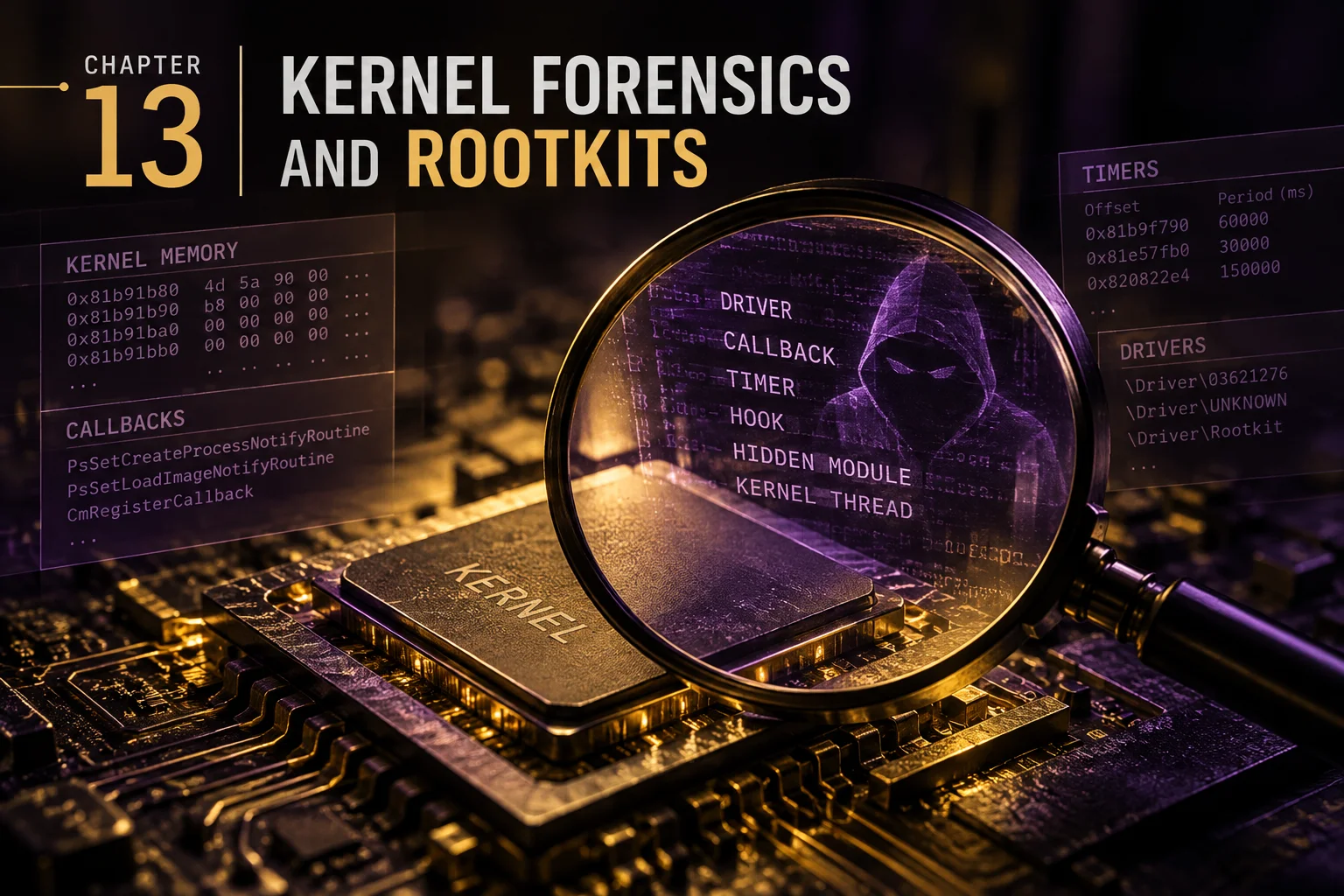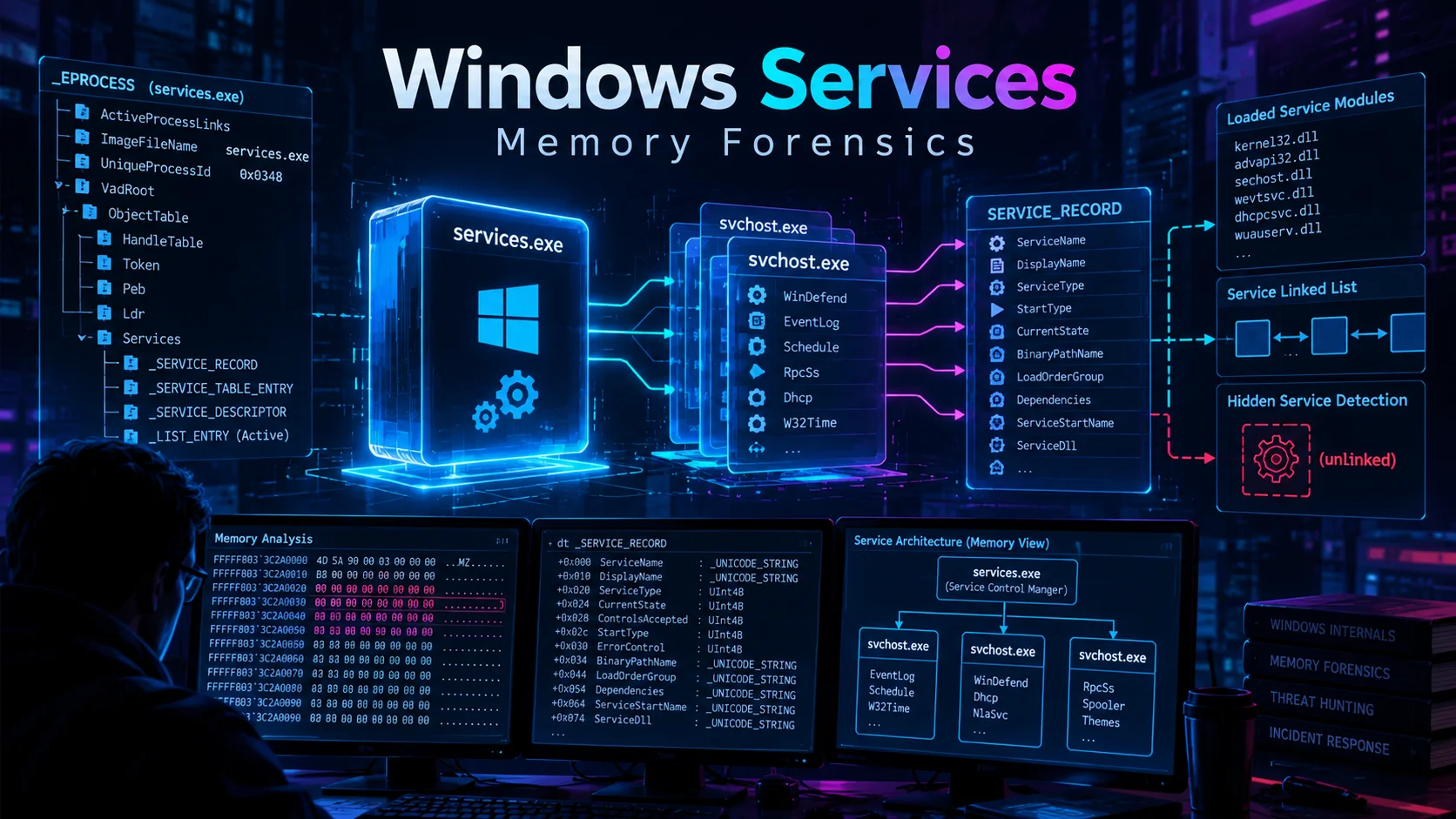
The Art of Memory Forensics Chapter-10
Explores Windows Registry forensics in memory, covering registry hives, Volatility plugins, UserAssist, Shimcache, ShellBags, password hashes, and LSA secrets for malware detection and activity reconstruction.
ON THIS PAGE / 14 SECTIONS
- Registry in Memory
- Stable and Volatile Registry Data
- Finding Registry Hives
- Registry Hive Structure
- Printing Keys and Values
- Detecting Malware Persistence
- Examples
- UserAssist
- Shimcache
- Shellbags
- Timestomping Registry Keys
- Dumping Password Hashes
- Obtaining LSA (Local Security Authority) Secrets
- At the end of this chapter, we learned how to analyze the Windows Registry in memory, locate registry hives, examine keys and values, detect malware persistence, and investigate user activity through artifacts such as UserAssist, Shimcache, and Shellbags. We also explored extracting LSA Secrets using Volatility plugins such as hivelist, printkey, userassist, shimcache,hashdump,lsadump. If you notice any issues or incorrect concepts, please feel free to contact me. Thank you.
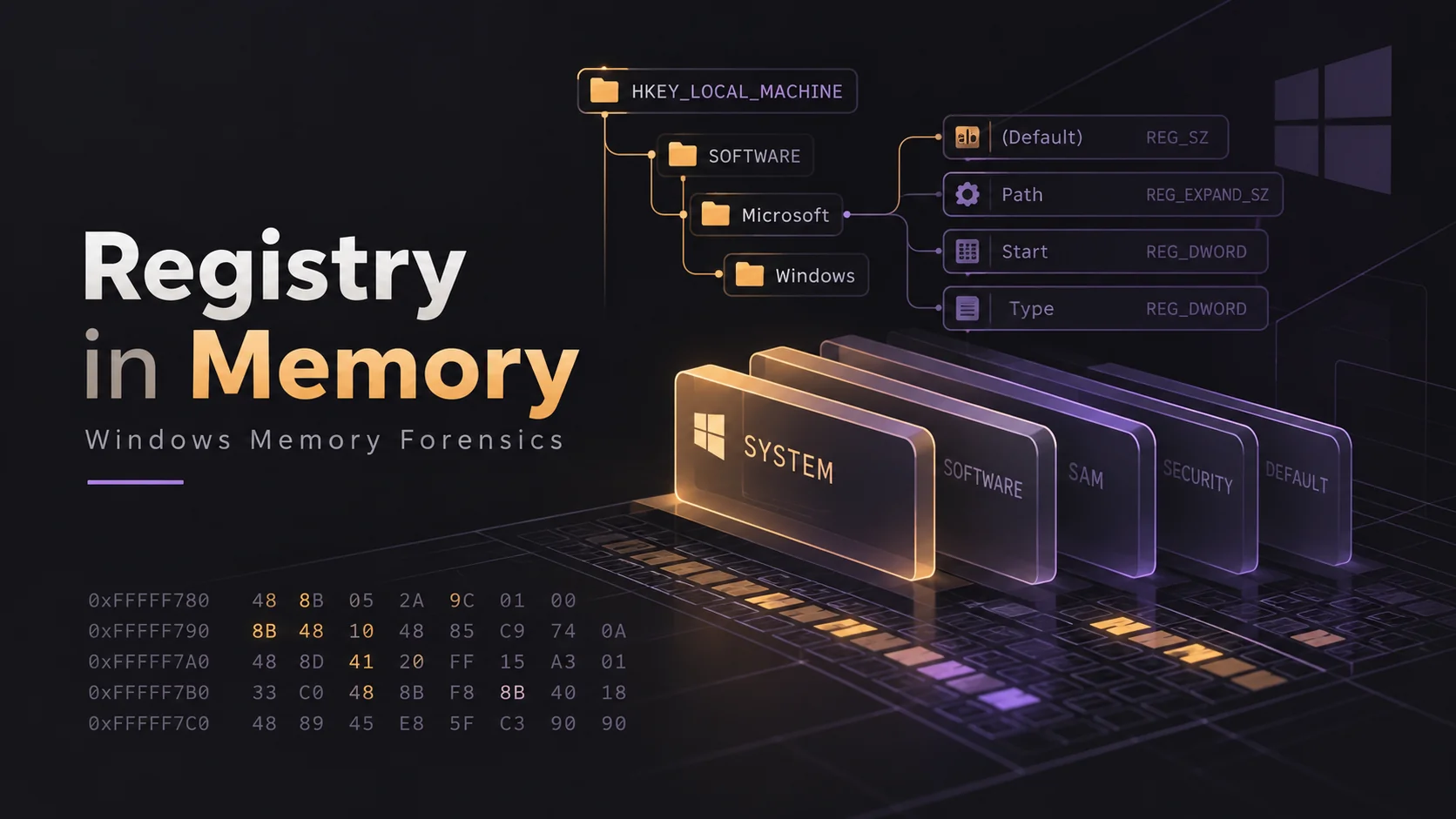
Registry in Memory
The Windows Registry stores settings and configurations for the operating system, applications, and users. Since it is frequently accessed during runtime, Windows keeps some registry data in memory.
From a forensic perspective, registry analysis can help investigators:
- Auto-start Programs: Applications configured to run automatically.
- Hardware: Previously connected external devices.
- User Activity: Account information, MRU items, and recently used programs.
- System Information: Installed software, settings, and security patches.
- Malware Configurations: C2 addresses, malicious file paths, and encryption keys.
Stable and Volatile Registry Data
Registry data can be classified into two types:
- Stable Data: Persistent registry data that is eventually written to disk.
- Volatile Data: Temporary registry keys and values that exist only in memory and are not saved to disk.
When registry data is modified through Windows APIs, changes are normally flushed to disk. However, direct memory modifications can bypass this mechanism, leaving the registry data in RAM different from its disk version.
The book demonstrates this by modifying an administrator’s password hash directly in memory without changing the stored hash on disk. After logging out, the LSA subsystem recognized the modified value, allowing the researcher to log back in using the new password.
Finding Registry Hives
Volatility locates Registry Hives in memory using Pool Tag Scanning (see Chapter 5). The _CMHIVE structure is allocated with the pool tag CM10 and can be validated using _CMHIVE.Hive.Signature 0xBEE0BEE0.
Once a valid hive is found, Volatility can enumerate other hives by following the _CMHIVE.HiveList doubly linked list.
$ python vol.py -f win7.vmem --profile=Win7SP0x86 hivelist
Volatility Foundation Volatility Framework 2.4
Virtual Physical Name
---------- ---------- ----
0x82b7a140 0x02b7a140 [no name]
0x820235c8 0x203675c8 \SystemRoot\System32\Config\SAM
0x87a1a250 0x27eb3250 \REGISTRY\MACHINE\SYSTEM
0x87a429d0 0x27f9d9d0 \REGISTRY\MACHINE\HARDWARE
0x87ac34f8 0x135804f8 \SystemRoot\System32\Config\DEFAULT
0x88603008 0x20d36008 \??\C:\Windows\ServiceProfiles\NetworkService\NTUSER.DAT
0x88691008 0x1ca1c008 \??\C:\Windows\ServiceProfiles\LocalService\NTUSER.DAT
0x9141e9d0 0x1dc569d0 \??\C:\Windows\System32\config\COMPONENTS
[snip]
The hivelist plugin lists registry hives along with their virtual addresses, physical addresses, and paths. Some hives may appear as [no name], which is part of the normal Windows Registry structure and does not necessarily indicate suspicious activity.
Registry Hive Structure
A registry hive file consists of:
- Registry Header: Contains information about the hive.
- Hive Bins: Sections that organize registry data.
- Cells: Store the actual registry keys, values, and related data.
Printing Keys and Values
Registry keys are organized in a tree structure, where each key can contain subkeys and values. The _CM_KEY_NODE structure stores key information, including LastWriteTime, Parent, SubKeyLists, ValueList, and Name.
The printkey plugin allows investigators to display registry keys, their subkeys, values, and last modification timestamps.
$ python vol.py -f win7.vmem --profile=Win7SP1x86 printkey
 -K "controlset001\control\computername"
Volatility Foundation Volatility Framework 2.4
Legend: (S) = Stable (V) = Volatile
----------------------------
Registry: \REGISTRY\MACHINE\SYSTEM
Key name: ComputerName (S)
Last updated: 2011-10-20 15:25:16
Subkeys:
 (S) ComputerName
 (V) ActiveComputerName
Values:
-K / --key: Specifies the registry key path.-o / --offset: Specifies a particular hive using its virtual address obtained fromhivelist.
The plugin also identifies whether keys are Stable (S) or Volatile (V).
Detecting Malware Persistence
Malware often uses the Windows Registry to maintain persistence, allowing it to execute automatically after a system reboot or user logon.
Two common persistence mechanisms are:
Startup Registry Keys: Programs configured to run automatically through keys such as.
HKLM\SOFTWARE\Microsoft\Windows\CurrentVersion\RunOnce
HKLM\SOFTWARE\Microsoft\Windows\CurrentVersion\Policies\Explorer\Run
HKLM\SOFTWARE\Microsoft\Windows\CurrentVersion\Run

HKCU\Software\Microsoft\Windows NT\CurrentVersion\Windows
HKCU\Software\Microsoft\Windows NT\CurrentVersion\Windows\Run
HKCU\Software\Microsoft\Windows\CurrentVersion\Run
HKCU\Software\Microsoft\Windows\CurrentVersion\RunOnce
Windows Services: Malware can create services or drivers under
HKLM\SYSTEM\CurrentControlSet\ServicesInvestigators can use the printkey plugin to examine these entries and identify suspicious executables, service configurations, and modification timestamps.
Examples
1. System Startup Persistence
$ python vol.py -f grrcon.raw --profile=WinXPSP3x86 printkey
 -K "Microsoft\Windows\CurrentVersion\Run"
Volatility Foundation Volatility Framework 2.4
Legend: (S) = Stable (V) = Volatile
----------------------------
Registry: \Device\HarddiskVolume1\WINDOWS\system32\config\software
Key name: Run (S)
Last updated: 2012-04-28 01:59:22 UTC+0000
Subkeys:
 (S) OptionalComponents
Values:
REG_SZ Adobe Reader Speed Launcher :
 (S) "C:\Program Files\Adobe\Reader 9.0\Reader\Reader_sl.exe"
REG_SZ Adobe ARM :
 (S) "C:\Program Files\Common Files\Adobe\ARM\1.0\AdobeARM.exe"
REG_SZ svchosts :
 (S) C:\WINDOWS\system32\svchosts.exe
- Value Name:
svchosts - Path:
C:\WINDOWS\system32\svchosts.exe
The executable attempts to imitate the legitimate Windows process svchost.exe by adding an extra s. Its presence in the Run key indicates an auto-start persistence mechanism.
2. User Logon Persistence
$ python vol.py -f Win7.raw --profile=Win7SP1x64 printkey
 -K "SOFTWARE\MICROSOFT\WINDOWS\CURRENTVERSION\RUN"
Volatility Foundation Volatility Framework 2.4
Legend: (S) = Stable (V) = Volatile
----------------------------
Registry: \??\C:\Users\Andrew\ntuser.dat
Key name: Run (S)
Last updated: 2013-03-10 22:47:09 UTC+0000
Subkeys:
Values:
REG_SZ mswinnt : (S) "C:\Users\Andrew\Desktop\mswinnt.exe"
 --logfile=log.txt --encryption-index=4
A keylogger was found in the Run key of user Andrew’s NTUSER.DAT hive:
- Value Name:
mswinnt - Path:
C:\Users\Andrew\Desktop\mswinnt.exe - Arguments:
--logfile=log.txt --encryption-index=4
This entry configures the keylogger to run when Andrew logs in.
3. Service Persistence — Stuxnet
$ python vol.py –f stuxnet.vmem --profile=WinXPSP3x86 printkey
 -K "ControlSet001\services\MRxNet"
Volatility Foundation Volatility Framework 2.4
Legend: (S) = Stable (V) = Volatile
----------------------------
Registry: \Device\HarddiskVolume1\WINDOWS\system32\config\system
Key name: MRxNet (S)
Last updated: 2011-06-03 04:26:47 UTC+0000
Subkeys:
 (V) Enum
Values:
REG_SZ Description : (S) MRXNET
REG_SZ DisplayName : (S) MRXNET
REG_DWORD ErrorControl : (S) 0
REG_SZ Group : (S) Network
REG_SZ ImagePath : (S) \??\C:\WINDOWS\system32\Drivers\mrxnet.sys
REG_DWORD Start : (S) 1
REG_DWORD Type : (S) 1
Stuxnet used a service entry under ControlSet001\Services\MRxNet:
- ImagePath:
C:\WINDOWS\system32\Drivers\mrxnet.sys - Start:
1— System-start driver. - Type:
1— Kernel driver.
These values indicate that the malicious driver is configured to load during system startup.
UserAssist
UserAssist is a Windows Registry artifact that helps investigators identify programs executed by a user, their recorded execution counts, and last execution timestamps. UserAssist data is stored in each user’s NTUSER.DAT hive.
Registry Key:
HKCU\Software\Microsoft\Windows\CurrentVersion\Explorer\UserAssist\{75048700-EF1F-11D0-9888-006097DEACF9}\CountPlugin: userassist
$ python vol.py –f XPSP3x86.vmem --profile=WinXPSP3x86 userassist
[snip]
REG_BINARY UEME_RUNPATH:C:\WINDOWS\system32\cmd.exe :
ID: 1
Count: 1
Last updated: 2010-02-26 03:42:15
0x00000000 01 00 00 00 06 00 00 00 b0 41 5e b0 95 b6 ca 01
Shimcache
Shimcache (AppCompatCache) is a Windows Registry artifact used by the Application Compatibility system. It stores information about executable files, including their paths and last modified timestamps from the MFT’s $STANDARD_INFORMATION attribute.
Registry Key: HKLM\SYSTEM\CurrentControlSet\Control\Session Manager\AppCompatCache
Plugin: shimcache
$ python vol.py –f PhysicalMemory.001 --profile=Win2003SP2x86 shimcache
Volatility Foundation Volatility Framework 2.4
Last Modified Path
------------------------------ ----
[snip]
2007-02-17 10:19:26 UTC+0000 \??\C:\WINDOWS\system32\inetsrv\iisrstas.exe
2007-02-17 10:19:26 UTC+0000 \??\C:\WINDOWS\system32\iisreset.exe
2007-02-17 10:59:04 UTC+0000 \??\C:\Program Files\Outlook Express\setup50.exe
2009-03-08 11:32:52 UTC+0000 \??\C:\WINDOWS\system32\ieudinit.exe
2010-07-22 07:47:49 UTC+0000 \??\C:\XXX\nv.exe
2010-07-22 08:40:57 UTC+0000 \??\C:\XXX\123.exe
2010-07-22 07:44:57 UTC+0000 \??\C:\XXX\dl.exe
2010-07-22 07:46:41 UTC+0000 \??\C:\XXX\ow.exe
[snip]
2010-02-06 23:45:26 UTC+0000 \??\C:\WINDOWS\PSEXESVC.EXE
[snip]
2010-01-19 09:21:41 UTC+0000 \??\E:\XXX\sample.exe
2010-01-19 09:02:26 UTC+0000 \??\E:\XXX\s.exe
[snip]
The plugin parses binary Shimcache records and displays executable paths and their last modified timestamps.
From the previous result, we can see that there are some strange application names: C:\XXX\nv.exe, C:\XXX\123.exe, and C:\XXX\dl.exe.
Shellbags
Shellbags are Windows Registry artifacts that store folder-view preferences in Windows Explorer, but they can also reveal useful traces of user activity.
They may contain information about folders and files that existed on the system, including deleted items, ZIP archives, installers, network shares, Shellbags can also preserve file paths, MAC timestamps, and recently used items.
This makes them useful for reconstructing folder browsing activity and identifying locations a user may have accessed, even when the original files or folders are no longer available.
Plugin: shellbags
$ python vol.py –f XPSP3.vmem --profile=WinXPSP3x86 shellbags
Volatility Foundation Volatility Framework 2.4
Registry: \Device\HarddiskVolume1\Documents and Settings\User\NTUSER.DAT
Key: Software\Microsoft\Windows\ShellNoRoam\BagMRU\0\0
Last updated: 2011-06-03 04:24:36
Value: 1
Mru: 0
File Name: DOCUME~1
Modified Date: 2010-08-22 17:38:04
Create Date: 2010-08-22 13:32:26
Access Date: 2010-08-26 01:04:52
File Attribute: DIR
Path: C:\Documents and Settings
------------------------------------------------------------
Value: 0
Mru: 1
File Name: PROGRA~1
Modified Date: 2010-08-25 23:04:02
Create Date: 2010-08-22 13:32:48
Access Date: 2010-08-25 23:04:22
File Attribute: RO, DIR
Path: C:\Program Files
------------------------------------------------------------
Value: 4
Mru: 2
File Name: WINDOWS
Modified Date: 2010-08-26 00:06:24
Create Date: 2010-08-22 13:29:34
Access Date: 2010-10-08 03:27:40
File Attribute: DIR
Path: C:\WINDOWS
[snip]
Timestomping Registry Keys
Timestomping Registry Keys is an anti-forensics technique where attackers overwrite the LastWriteTime of registry keys to hide their activity from timeline analysis. The book demonstrates tool called SetRegTime can perform this by using the Windows API (NtSetInformationKey). Because the change is made through the API, it appears in memory within approximately five seconds.
Example:
$ python vol.py –f XPSP3x86.vmem --profile=WinXPSP3x86 shellbags
[snip]
Registry: \Device\HarddiskVolume1\Documents and Settings\user\NTUSER.DAT
Key: Software\Microsoft\Windows\ShellNoRoam\Bags\63\Shell
Last updated: 3024-05-21 00:00:00
------------------------------------------------------------
Value: ItemPos1567x784(1)
File Name: NEWTEX~1.TXT
Modified Date: 2012-08-17 14:14:56
Create Date: 2012-08-17 14:14:50
Access Date: 2012-09-25 11:49:38
File Attribute: ARC
Path: New Text Document.txt
------------------------------------------------------------
Value: ItemPos1567x784(1)
File Name: POISON~1.PY
Modified Date: 2012-06-18 19:52:32
Create Date: 2012-08-17 14:15:18
Access Date: 2012-09-25 12:52:10
File Attribute: ARC
Path: poison_ivy.py
------------------------------------------------------------
In this example, the LastWriteTime was changed to a future date (3024), but the embedded timestamps inside the Shellbags entries remained unchanged.Normally, at least one embedded timestamp in Shellbags should match the key’s LastWriteTime. When they do not match (especially with unrealistic dates), it is a clear indicator of timestomping.
Dumping Password Hashes
You can extract account password hashes from memory samples using the hashdump plugin. This plugin automatically locates the required keys from both the SYSTEM and SAM registry hives using the Registry API. The extracted hashes can then be passed to a password-cracking tool to recover the clear-text passwords.
$ python vol.py -f Bob.vmem --profile=WinXPSP3x86 hashdump
Volatility Foundation Volatility Framework 2.4
Administrator:500:e52cac67419a9a2[snip]:8846f7eaee8fb117ad06bdd830b7586c:::
Guest:501:aad3b435b51404eeaad3b43[snip]:31d6cfe0d16ae931b73c59d7e0c089c0:::
HelpAssistant:1000:9f8ac2eaebcd2e[snip]:d95e38a172b3ddaa1ce0b63bb1f5e1fb:::
SUPPORT_388945a0:1002:aad3b435b51[snip]:ad052c1cbab3ec2502df165cd25d95bd::
Obtaining LSA (Local Security Authority) Secrets
The lsadump plugin extracts and decrypts LSA Secrets from the memory of supported Windows systems. It automatically locates the required keys from the SYSTEM and SECURITY registry hives. LSA Secrets can contain highly sensitive information, including:
- $MACHINE.ACC: Domain authentication credentials for the machine.
- DefaultPassword: The password used when auto-login is enabled.
- NL$KM: The secret key used to encrypt cached domain passwords.
- L$RTMTIMEBOMB_*: The timestamp indicating when an unactivated Windows installation will stop working.
- L$HYDRAENCKEY_*: The private key used by Remote Desktop Protocol (RDP).
Note: If you alsohave a packet capture from a system that was attacked via RDP, you can extract the client’s public key from the packet capture and the server’s private key from memory; then decrypt the traffic.
At the end of this chapter, we learned how to analyze the Windows Registry in memory, locate registry hives, examine keys and values, detect malware persistence, and investigate user activity through artifacts such as UserAssist, Shimcache, and Shellbags. We also explored extracting LSA Secrets using Volatility plugins such as hivelist, printkey, userassist, shimcache,hashdump,lsadump. If you notice any issues or incorrect concepts, please feel free to contact me. Thank you.
Keep the investigation open.
Have another interpretation, a correction, or a useful trace? Reach out on Discord.
Continue on Discord